


- Home
- Best Poker Rakeback Deals
- GGPoker Download
| Bonus | 100% up to $600 |
| Rakeback | up to 80% |
| Room type | Licensed |
| License | Curaçao |
| Payments | |
| Platforms |


| Reliability | 5.0 |
| Game selection | 5.0 |
| Bonuses and promotions | 4.8 |
| Casual players | 4.8 |
| Deposits and withdrawals | 4.8 |
| Convenience of the software | 4.4 |
GGPoker Download
GGPoker has an app for gadgets with different operating systems. PCs: Windows and Mac OS, and mobile devices: Android or iOS. In short, you can play on almost any computer or smartphone.
How to download GGPoker on Windows PС
Clean your cookies or use a new web browser:
- Use the following link to visit the official GGPoker website
- Click on “Register Today” or the red registration button.
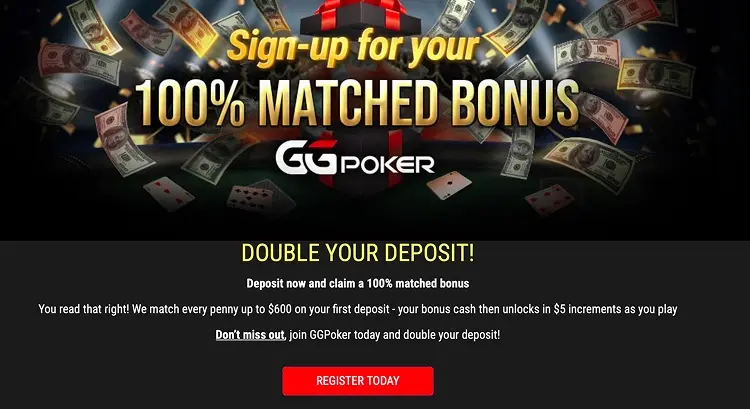
- Enter the email address you will use for your GGPass. If you see a message indicating that the email address is already in use, it means you already have an account created previously.

- Verify your email by entering the code you received and choose a secure password or access key.

- Choose your country of residence, nickname (remember that this will be your name at the tables) and avatar.

- IMPORTANT! The following is the most important step to create your GGPoker account with Worldpokerdeals. Click on “Referral” at the bottom, and enter the bonus code WPDEALS.

- Download and install the desktop GGPoker client from the official GGPoker website.

- Log in with your GGPass email address. Visit the Cashier section and click Start Verification. You will need to enter your full personal information, as well as attach a copy of your ID and proof of address.
How to download GGPoker app on Android
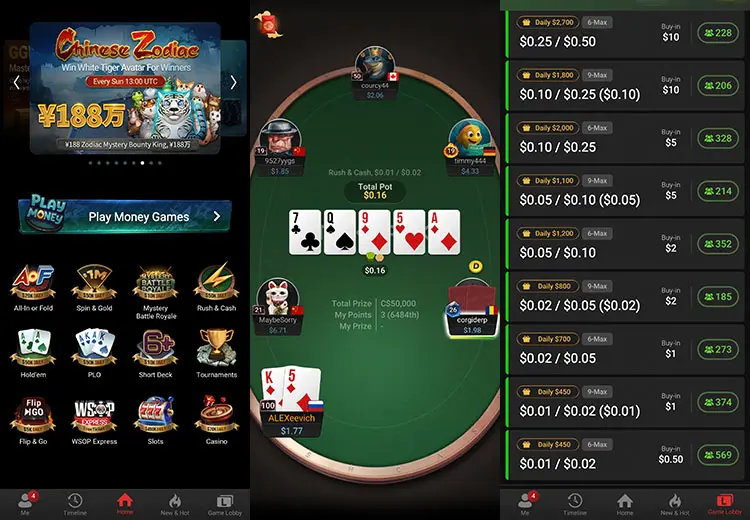
GGPoker as the leader among online poker sites has a modern application for Android smartphones with access to all types of games and convenient functionality.
- Visit the >>official GGPoker website<<.
- Click on “Register Today” or the red registration button.
- Create GGPass and complete registration.
- Download the GGpoker mobile app for Android. The APK file will start downloading automatically.

- After the installation apk file, in the next window, select your nickname, avatar, and check the box agreeing with the rules. Hit “Apply”. Visit the “Cashier > My Information” section to confirm your e-mail address.
How to download GGPoker app on iOS
After the signup process, click the “Download” button and you will be followed to the App Store. The download and installation process for iPhone or iPad will be effortless and fast.
If you can't download the iOS app, follow the steps:
- Visit the official GGPoker website.
- Confirm your country and register an account.
- Contact GGPoker support at [email protected]. They will provide the link to download the iOS app.
- Open “Settings” - “General” - “VPN & Device Management”. Choose “NSUS Ltd.” and tap Trust "NSUS Ltd.";
- Download and install the app for your Apple device.

Reach out to us to answer any questions you may have about the registration process:


Advantages of our affiliate service
Worldpokerdeals is a leading company in the professional affiliate services market with vast experience in providing players with the best conditions.
At GGPoker our players receive:
- Private promotions and tournament tickets in our Telegram channel.
- Professional support seven days a week.